
Write Markdown.
Find your zen.
A native macOS editor built with SwiftUI. Minimal, fast, and beautifully crafted for distraction-free writing.
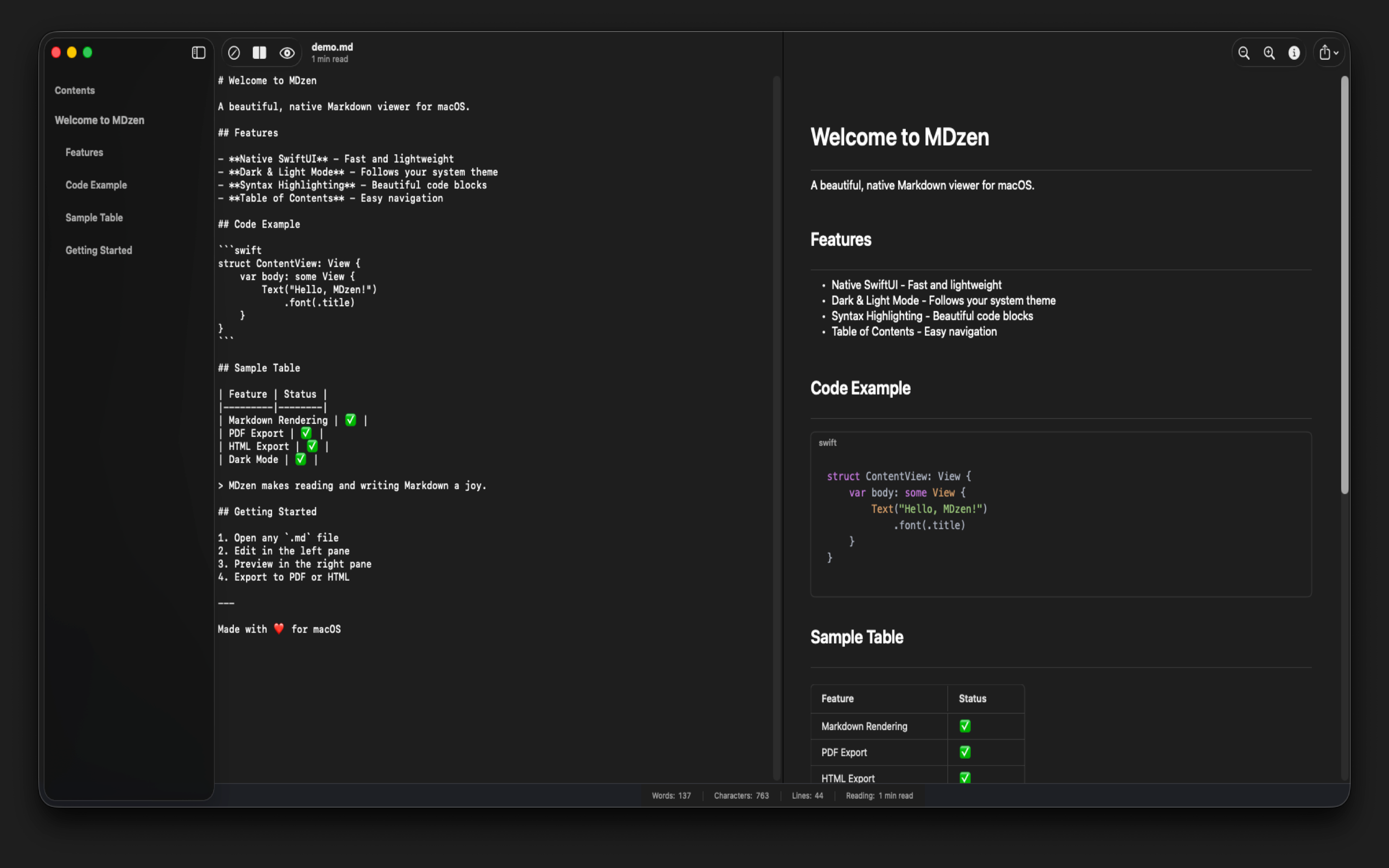
Everything you need,
nothing you don't.
A carefully curated set of features that make Markdown editing a pleasure, without the bloat.
Workspace Support
Open entire folders and browse all your Markdown files in a convenient sidebar.
WYSIWYG Editing
Rich text editing that feels natural. See formatted text as you type, or switch to raw source mode.
GitHub-style Rendering
Tables, code blocks, lists, blockquotes—everything renders beautifully like on GitHub.
LaTeX Math
Write mathematical formulas using $$...$$ syntax. Perfect for academic documents.
Syntax Highlighting
Beautiful code highlighting with Atom One Dark/Light themes for all major languages.
Auto-Save
Never lose your work. Changes are automatically saved as you type.
Dark & Light Mode
Seamless theme switching that follows your system preferences or manual selection.
Table of Contents
Auto-generated sidebar navigation for quick jumping between document sections.
Export to PDF & HTML
Export your documents to PDF or HTML with all styling preserved.
Native Performance
Built with SwiftUI for blazing fast performance and minimal resource usage.
Find & Replace
Native macOS find bar with Cmd+F. Search and replace text across your document.
Task Lists
GitHub-style checkboxes with - [ ] and - [x] syntax for tracking to-dos.
Image Rendering
Display images from URLs and local files directly in the preview.
Document Statistics
Word count, character count, line count, and estimated reading time at a glance.
Formatting Toolbar
Quick-access toolbar for bold, italic, links, headings, lists. Plus Cmd+B/I/K shortcuts.
Multiple View Modes
Switch between WYSIWYG and Source views. Work the way that suits you best.
Zoom Controls
Adjust font size with Cmd+ and Cmd- for comfortable reading and editing.
Open With Integration
Right-click any .md file in Finder and open it directly in MDzen.